 Richard Pikmets
Google Business Profile is a free way to be visible in Google Search and Google Maps. Some companies create a profile and never finish filling it in, and some never claim it at all, even though Google has already generated one automatically. The gap in local search results rarely comes down to luck. It comes down to how completely and correctly the profile is filled in.
In short
Free, but not automatic
Creating and verifying a profile is free. The benefit comes from filling it in correctly and keeping it up to date.
Three factors drive ranking
According to Google, these are relevance, distance and prominence. Filling in the profile affects all three.
Tracking is separate
Profile views don’t tell you anything about your business yet. Clicks to your website need to be tied to GA4.
What Google Business Profile is and who it suits
Google Business Profile (formerly Google My Business) is a free profile that lets a company manage how it appears in Google Search and Maps: name, category, address or service area, opening hours, photos, products and services. The profile shows up as an information panel next to search results and in the Maps app.
The profile suits a business that has direct contact with customers: a physical location customers can visit, or a service you deliver at the customer’s location within a defined area. An online-only brand without direct customer contact isn’t eligible for a profile under Google’s guidelines. If a business operates across several areas without a fixed office (a locksmith or a cleaning service, for example), the service-area business type fits: it gets one profile covering the whole area it serves, with up to 20 service areas, and the address stays hidden from the public.
Creating and verifying your profile
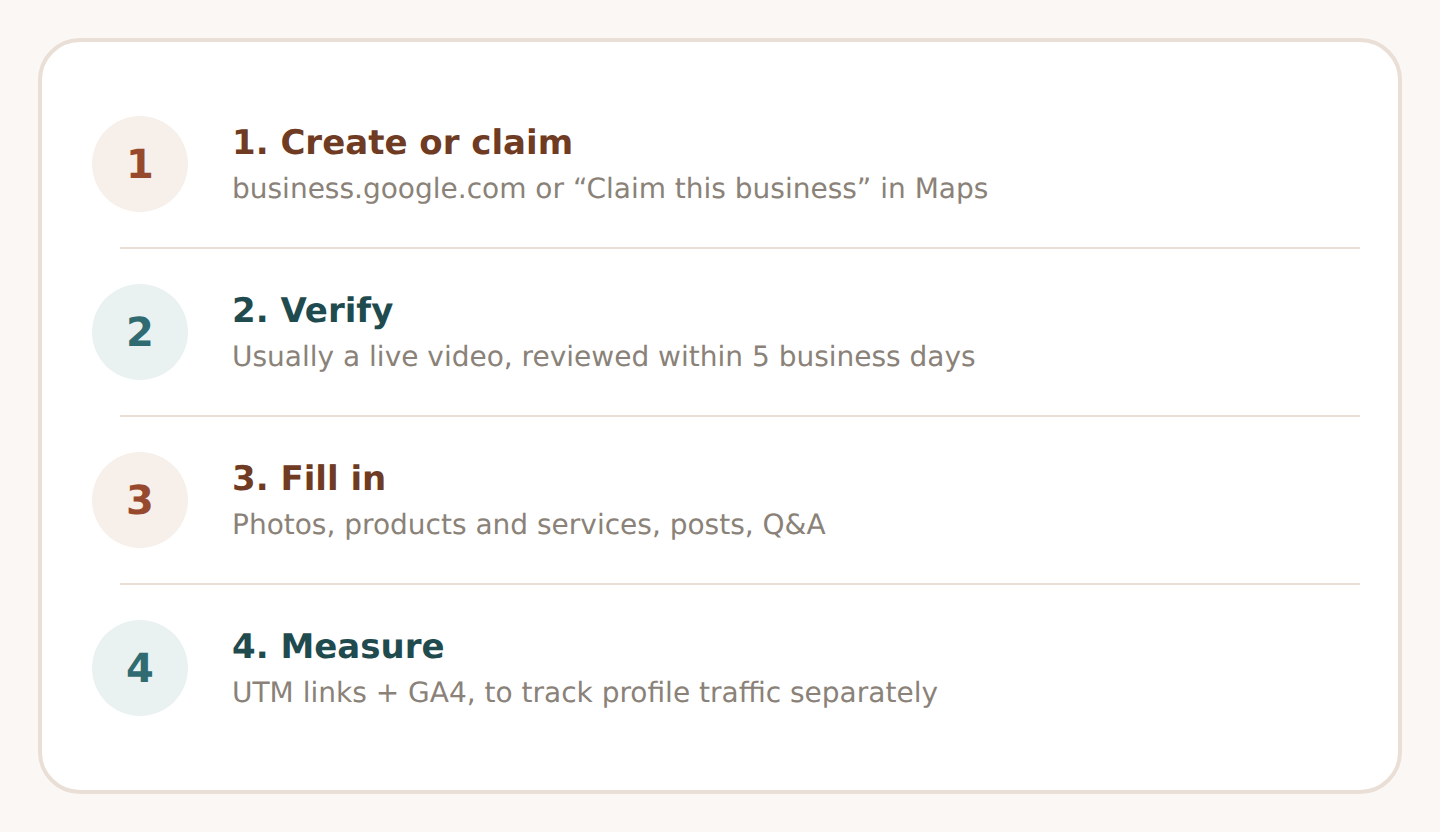
You can create a profile at business.google.com. Before you do, check Google Maps for an existing, unclaimed listing that Google generated automatically: search for the business name and city and select “Claim this business” rather than creating a new profile. If someone else has already verified the profile, you can request ownership from the current owner through Google’s form.
Whether you create a new profile or take over an existing one, the core details need to be accurate and match the real business:
- Name must reflect the business’s real-world name, exactly as it appears on the storefront, the website and to customers – no added keywords or location tags.
- Category: choose the fewest categories needed to describe your core business; the primary category has the biggest effect on which searches the profile appears for.
- Address or service area must be precise; a P.O. box or a remote mailing address isn’t acceptable.
- Contact details: phone number, website and opening hours, including special hours around holidays.
Once the details are in, the profile needs to be verified. The verification method depends on the business type, location and category – Google only offers the available options at the verification step itself. Video verification is common at the moment: the video has to be recorded live inside the profile, not filmed earlier and uploaded. Other options (a phone call, text message or postcard, for example) depend on the case. After you pick a method and submit the details, Google reviews them within up to 5 business days.
What to fill in so the profile actually works
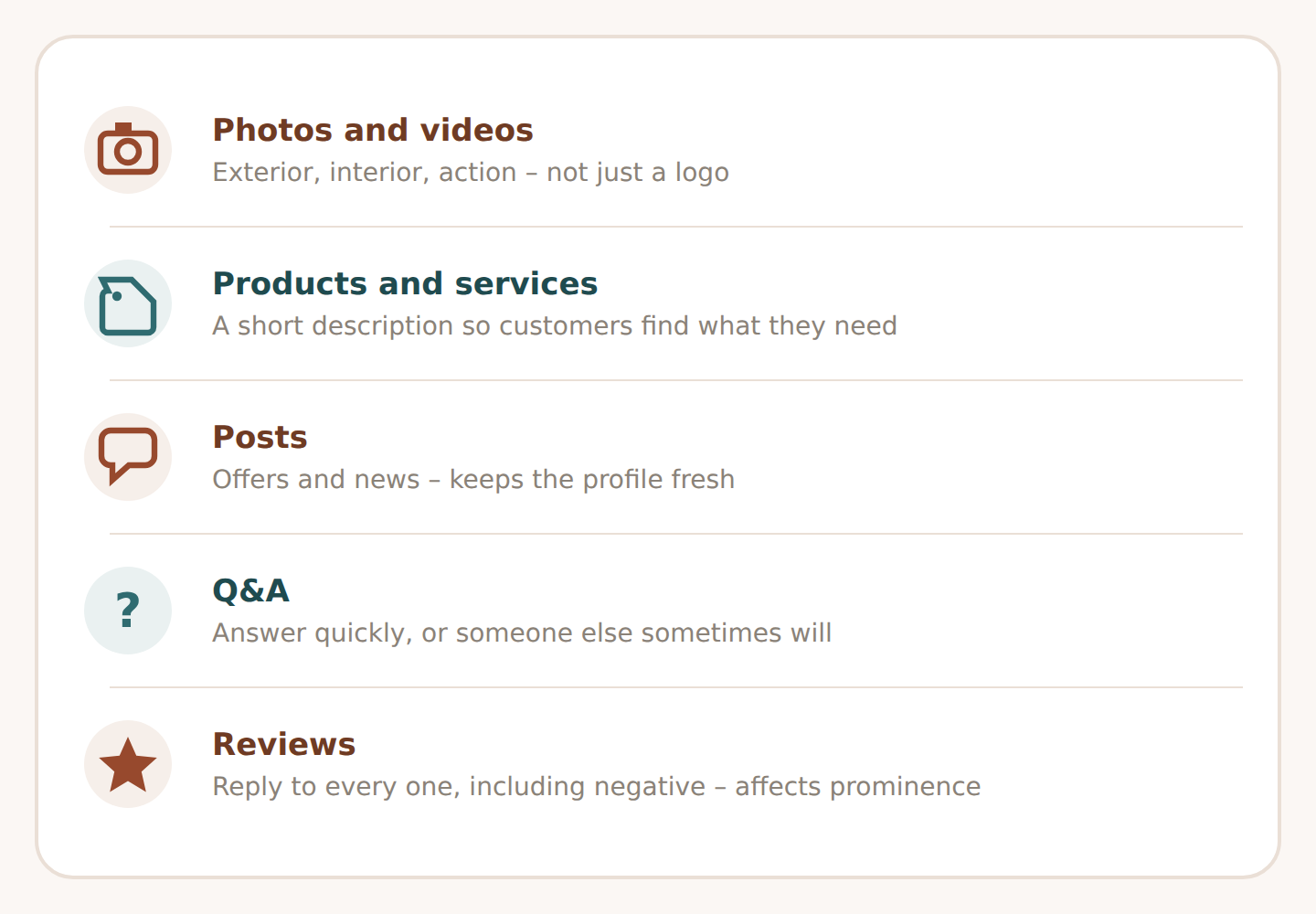
A verified but empty profile gives Google little information and gives a customer little reason to choose your business. These sections have the biggest effect:
- Photos and videos – of the exterior, the interior, products and the business in action. A profile with only a logo stays abstract for a customer.
- Products and services – list your main services or products with a short description, so a customer can tell whether you have what they’re looking for.
- Posts – offers, events and news with a photo and a call to action. Keeps the profile fresh and gives people a reason to come back.
- Q&A – watch this section and answer quickly; if you don’t, someone else sometimes will.
- Reviews – reply to every review, including negative ones. The number and content of reviews directly affect the profile’s prominence in search.
Your profile is part of your wider digital marketing strategy: it works alongside your website and advertising, not on its own. The small-business angle is covered in more detail in the small business digital marketing guide.
What affects your position in local search
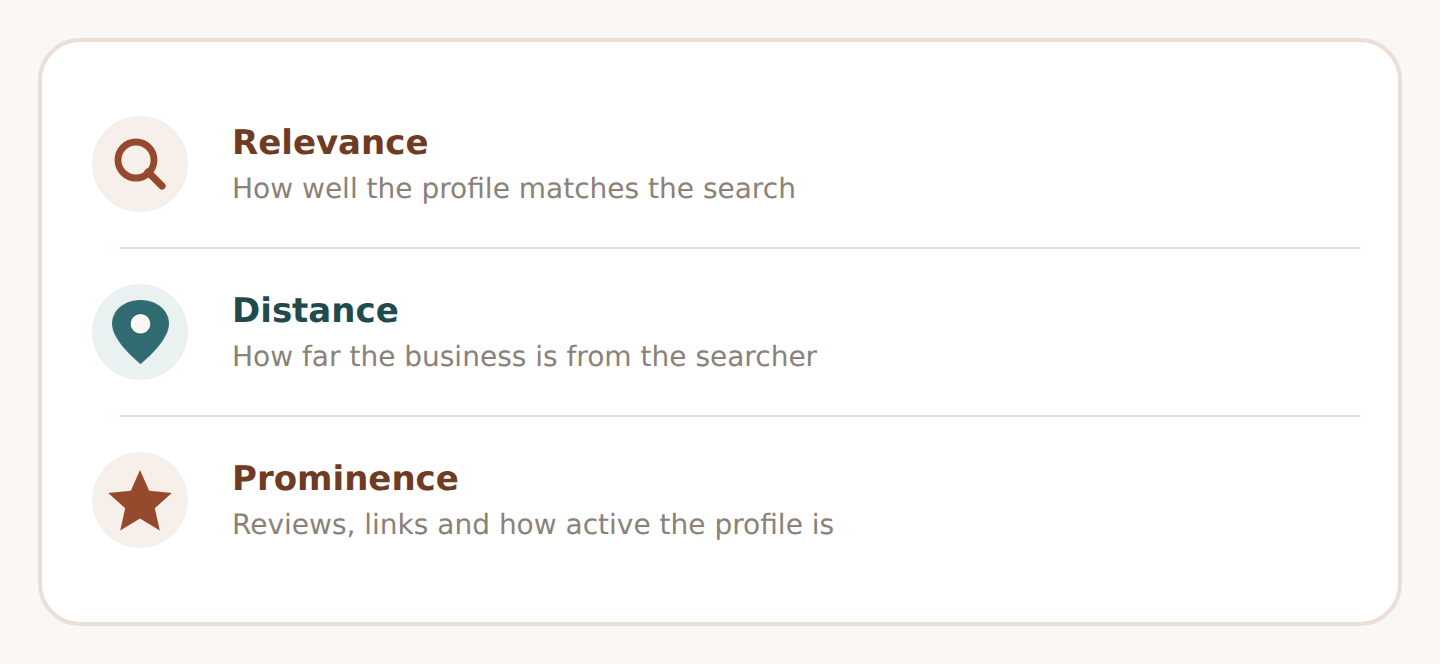
According to Google’s own guidance, local search results are based on three factors: relevance, distance and prominence. None of them is a switch you can flip directly, but you can influence each one indirectly.
| Factor | What it means | What you can influence |
|---|---|---|
| Relevance | How well the profile matches the search | A completed category, description, and products and services in the same words a customer searches for |
| Distance | How far the business is from the person searching | An accurate address or service area; you can’t change distance itself, but a wrong address makes it worse |
| Prominence | How well-known the business is | The number and content of reviews, links and mentions online, and how active the profile is |
Practical tip
Use the same words in your profile that you use on your website’s service pages, and that a customer actually types into a search box. If your website talks about “website setup” but a customer searches for “getting a website made”, write the profile in the customer’s words, not your own industry language.
How to measure whether the profile brings in customers
Google Business Profile’s own insights show how many times the profile was viewed and how many times someone clicked through to your website, requested directions or tapped your phone number. That answers “was the profile shown”, not “did a real customer come from it”.
If your profile links to your website, add UTM parameters to the end of that link (for example utm_source=google, utm_medium=organic, utm_campaign=business_profile). That way you can tell visits from the profile apart from ordinary Google Search visits in GA4. You can build the link quickly with the UTM builder, and it’s worth reviewing the result alongside the rest of your web analytics setup, so the conversion reaches GA4 and, where needed, Google Ads too.
Common mistakes
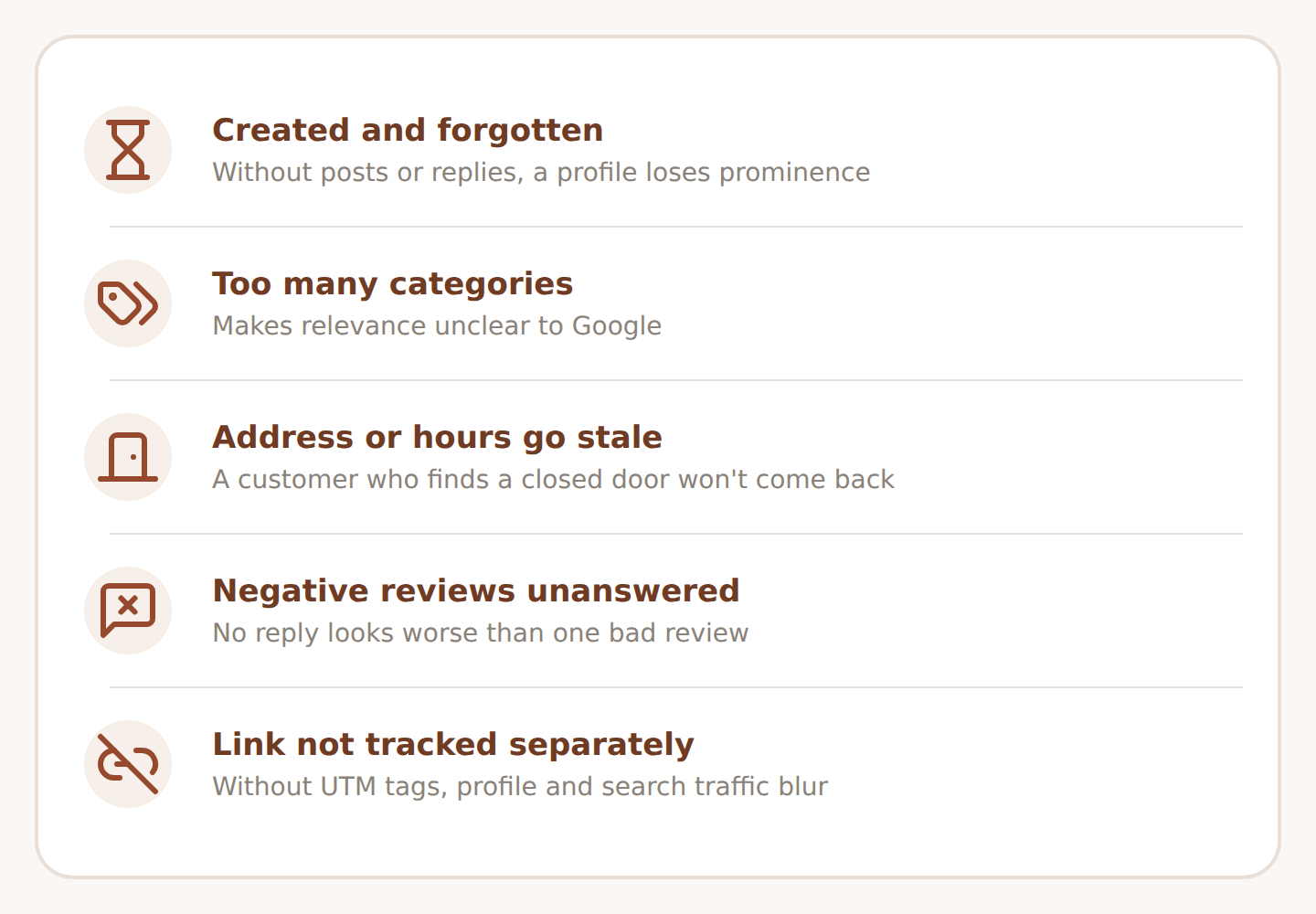
- The profile is created and forgotten. Without posts or replies, a profile goes stale and loses prominence.
- Too many categories get added. Categories that don’t describe the core business make relevance unclear to Google.
- The address or opening hours go out of date. A customer who turns up to a closed door won’t come back.
- Negative reviews go unanswered. No reply looks worse than a single negative review on its own.
- The profile link isn’t tracked separately. Without UTM tagging, GA4 can’t tell the difference between traffic from the profile and ordinary search traffic.
If you want Google Business Profile, your website and paid advertising to support each other as one plan, see digital marketing services or describe your goal through the enquiry form.
Frequently asked questions
Is Google Business Profile free?
Yes. Creating, verifying and filling in a profile is free. A cost only appears if you decide to add paid advertising on top of it, such as local Google Ads campaigns.
How long does verification take?
Once you submit your verification details, Google reviews them within up to 5 business days. The verification method (video, for example) and the exact timing depend on the business type and location.
Does a business need a physical address for a profile?
Not always. A business that travels to the customer’s location without a public office can set up a service-area profile, where the address isn’t public and you can list up to 20 service areas.
How many categories should a profile have?
Google recommends adding as few categories as needed to describe your core business. The primary category has the biggest effect on which searches the profile appears for.
What if Google has already created a profile for the business automatically?
Search for the business name and city in Google Maps and select “Claim this business”. If someone else has already verified the profile, you can request ownership from the current owner through Google’s form.
Sources
- Google Business Profile Help: Add or claim your Business Profile
- Google Business Profile Help: Request ownership of a Business Profile
- Google Business Profile Help: Verify your business on Google
- Google Business Profile Help: Guidelines for representing your business on Google
- Google Business Profile Help: Manage your service areas for service-area businesses
- Google Business Profile Help: Tips to improve your local ranking on Google
- Google Business Profile Help: Create and manage posts on your Business Profile
Facts checked against official Google Business Profile documentation on 26 September 2026. Google changes profile features and verification methods from time to time.